




In this post, I will be going over my favourite tools and platforms I use to run my business efficiently. For a full list, you can visit my resources page! Note that some may be affiliate* links, which means I may receive a commission for purchases made through these links.
When you’re wearing all the hats in your business (aka designer, marketer, customer service rep, accountant, CEO…), it’s easy to feel like there just aren’t enough hours in the day. As a small business owner, I’ve learned that streamlining your systems isn’t just a nice-to-have, it’s essential for protecting your time, energy, and creativity.
There was a season in my business when everything felt scattered. My to-do list lived in five different apps, client emails was slipping through the cracks, and I was spending way too much time on repetitive admin tasks that weren’t moving the needle. That’s when I started getting serious about finding platforms that could help me work smarter, not harder.
In this post, I’m sharing the 5 platforms I use daily to run my business more efficiently, deliver a seamless client experience, and free up time to focus on what I actually love doing. Whether you’re a freelancer, creative entrepreneur, or new service-based business owner looking for tools that make running your business easier, I hope this inspires you to take control of your business and invest in the platforms you need for your busness!
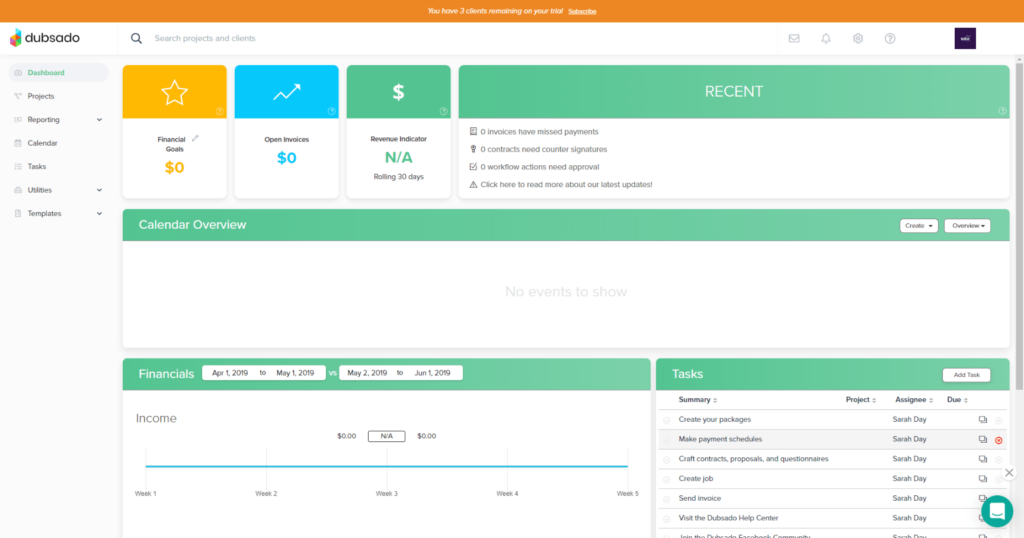
Client Management System: Dubsado*
What Is It: Dubsado is one of the more robust client relationship management (CRM) platforms I have come across. Essentially, it is a portal that houses all of the important documents for a small business and its clients. Its level of customization is incredible compared to its competitors (Honeybook, 17Hats).
Features: Dubsado has a lot of features! The ones I use the most daily are:
- Proposal
- Contract
- Invoicing
- Forms + Questionnaires
- Appointment Scheduling
- Automated Workflows
What originally piqued my interest was the lead generation workflow. When sending out a proposal, you can connect it with the contract and invoice at the same time so that your client can book all at once. Say goodbye to back-and-forth emails and time wasted. It has also boosted my conversion rate exponentially.
How I Use It: I’ll have to admit – Dubsado helps run my business very efficiently and is worth the price tag. I don’t have to piecemeal different platforms together. One of the most powerful features they have is creating automated workflows for each client and service that you offer. No need to copy + paste emails or second-guess what the next step will be. You can streamline all of your processes and make your client experience a breeze on the backend.
Cost: $325-525 per year depending on which plan you go with! You can also trial the platform for free with your first 3 clients. Sign up here for 20% off your first year!
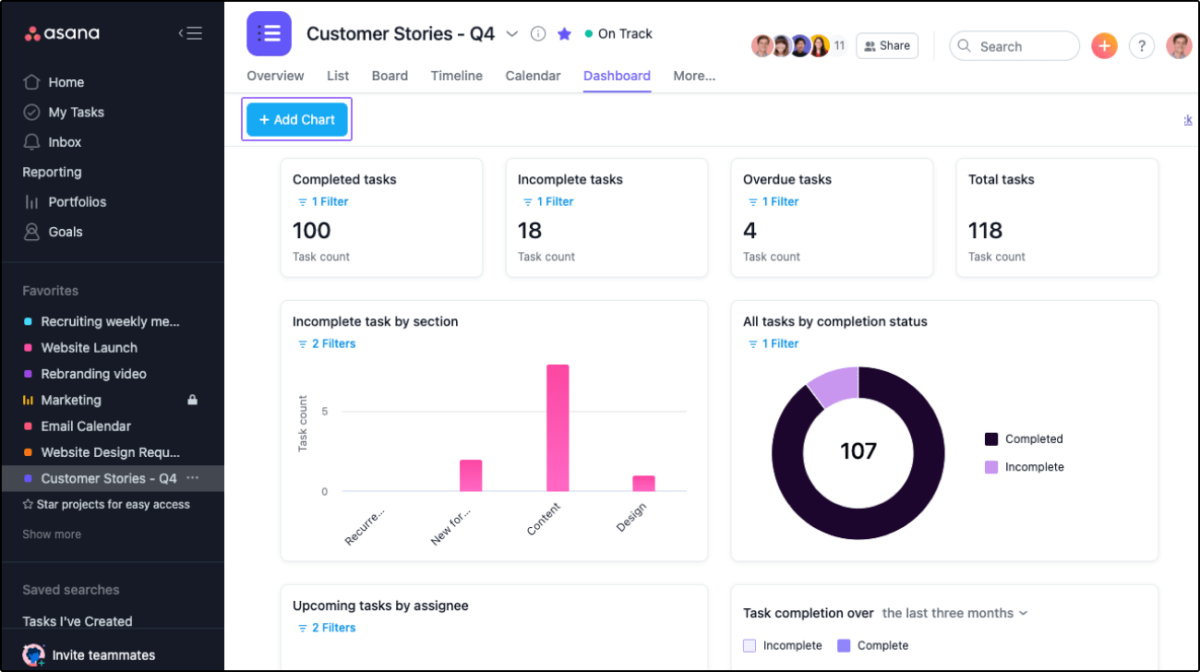
Project Management: Asana
What Is It: Asana is a project management tool to help teams stay on track, monitor milestones, meet deadlines, and hit their goals. You can create project tasks and collaborate easier with internal and external team members. Asana offers multiple project views, which include: the list view, calendar view, timeline view, and board view.
How I Use It: I primarily use the “task-list” feature in Asana for my client projects to promote transparency and open communication. I find having a “to-do” list in front of us is a great way to keep the project on track and on time for both of us. Additionally, I use it for official project communication so that each task has its own thread for feedback and comments. That way, neither of us has to go back and forth via multiple email threads, text messages, or Instagram DMs to find what we need. Everything is streamlined and all in one place. When the task is completed, we check it off! (And let me tell ya, it’s a greaaaat feeling!)
Cost: Free! Their starter plan already has a lot of fantastic features to make your projects run smoother and can have up to 15 team members. However, if you are interested in some of their premium features (i.e. forms, automated workflows), the premium plan starts at $10.99/month.
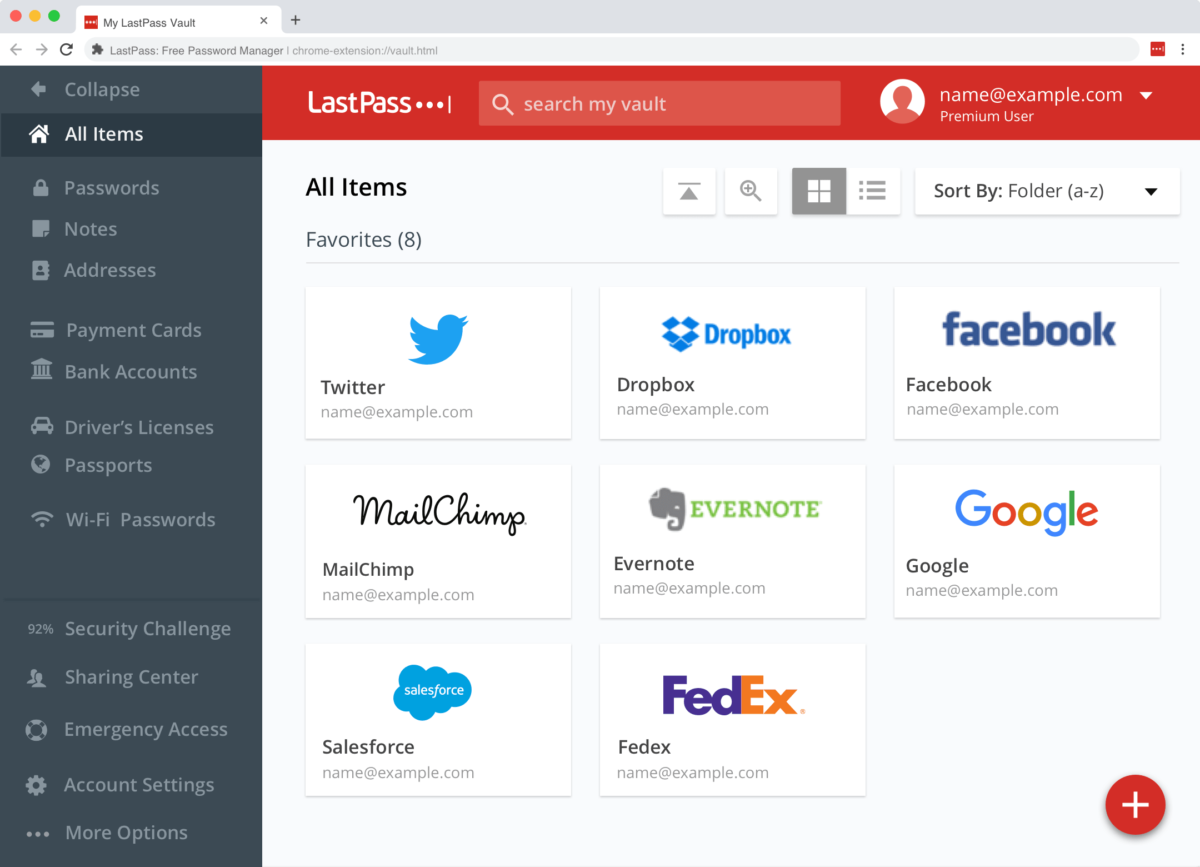
Password Sharing: LastPass
What Is It: LastPass is a secure password management platform. Not only can you host your passwords in your own portal, but you also have the ability to share them securely without ever needing to tell the other party what your password is. Genius, right?
How I Use It: When I first started my web design business, I’d require passwords from my clients in order to activate or access their accounts to accomplish something. I always felt awkward (and bad!) asking them to change their passwords and then change them back once I was done. LastPass solved all of these kinks for me! All they have to do is create a free account and enter their log-in credentials into LastPass, then share them with me. At the end of our project, I can remove my access or they can revoke it. Easy piecey!
Cost: I use the free version right now which has been more than useful in my business. They do offer a premium plan for only $4.25/month, as well as a family plan.
Feedback Facilitation: Pastel
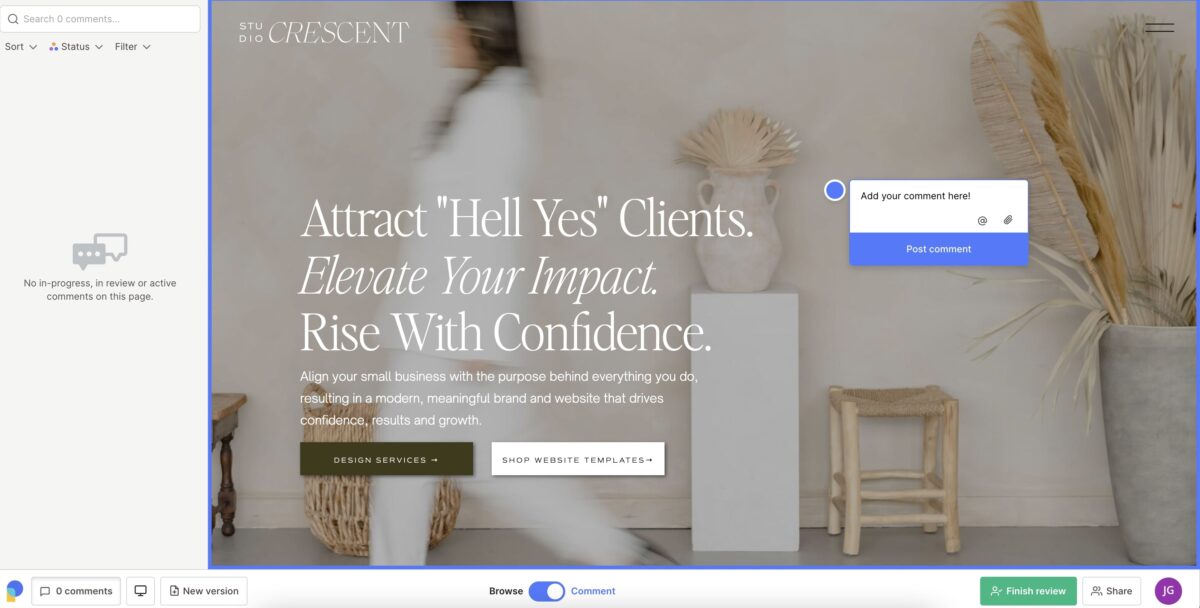
What Is It: Pastel is a visual commenting platform that facilitates real-time, collaborative feedback more seamlessly. No need to send comments back and forth through Google Docs or email ever again!
How I Use It: Outside of feedback forms, I use Pastel primarily to gather website design feedback. Usually, once the wireframe is approved, I go straight into the design on the hosted platform and offer two (2) rounds of feedback. All I have to do is copy and paste the link into Pastel Dashboard, and it will appear on their platform. My clients can then drop pins directly onto the site to let me know what they love or don’t love, and their comments will pop up in the left-handed panel all at once. I will then have the ability to resolve them or make additional comments within each thread. To help with boundaries setting, each project has a 3-day feedback period!
Cost: Free for 1 canvas, then $35/month for unlimited canvases.
Screen Recording + Video Messaging: Berrycast
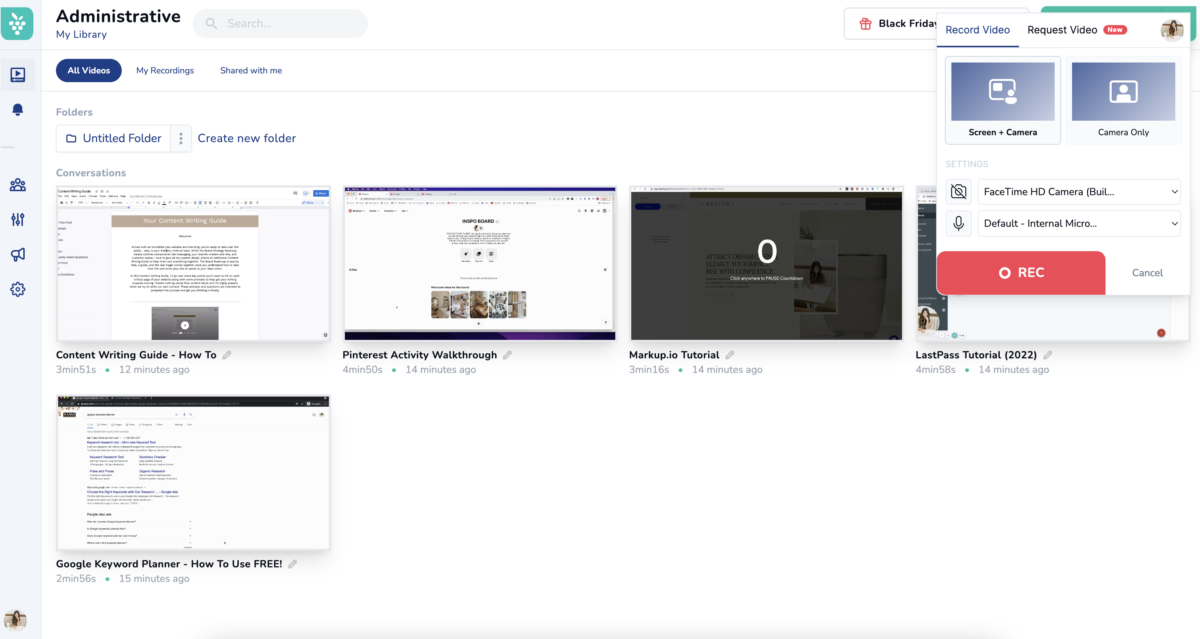
What Is It: An alternative to Loom, Berrycast is a video-messaging, screen-recording platform designed to help teams collaborate more effectively. Just turn on your mic and camera, and click record screen and that’s it!
How I Use It: I use Berrycast primarily when my clients and I are not having a Zoom call and I need to provide a more in-depth explanation to go over a presentation, such as a brand or a website strategy presentation. Additionally, I do offer “On-Demand” Tutorials” for my website design clients where I go over how to maintain their website post-project. Loom is a fantastic way to create custom, bite-sized tutorials! My clients also have the option to reply via video or leave comments.
Cost: Fairly affordable if compared to Zoom or Vimeo! Their Basic plan offers unlimited videos and storage for $99 annually or you can upgrade to their Professional plan for $11/month ($132 annually). Use this link and you will get 20% off!
Email Marketing: Flodesk
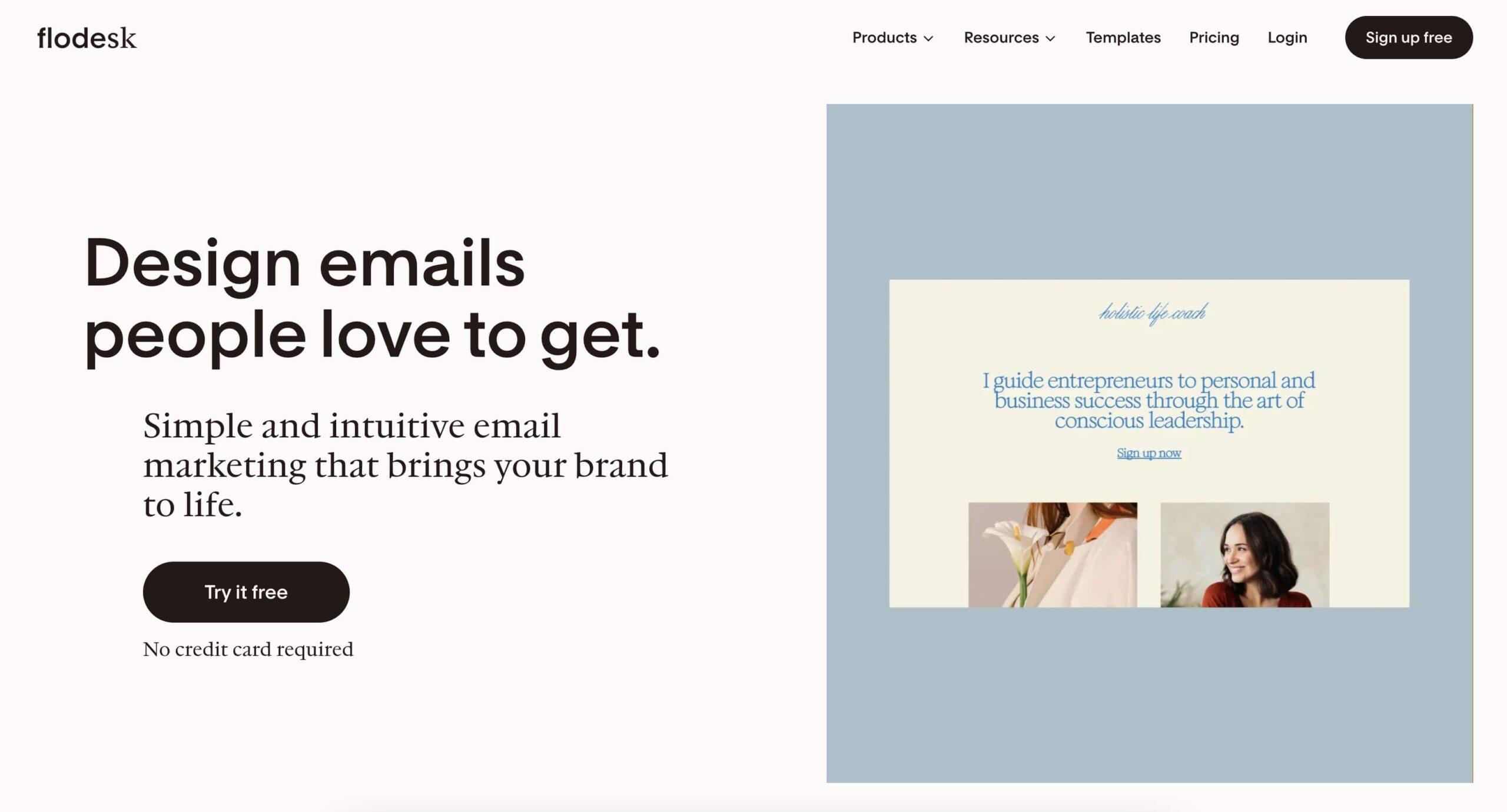
What Is It: Flodesk is a modern design-forward email marketing platform empowering small business owners to create visually stunning and engaging email campaigns.
How I Use It: IMO, the best email marketing platform that allows me to build an email list through intuitive and interactive opt-in forms. I also am able to send automated email workflows and frequent newsletter to my community with Flodesk. They offer high-converting, pre-built email templates that makes sending emails fun again.
Cost: Depending on your needs, there is a pricing plan for the email marketing features and also an add-on fee for checkouts! Sign up for a free trial and get 25% off your first year by clicking here.
And that’s a roundup of some of my favourite tools and platforms that I use to run my business more efficiently and effectively – saving me time, energy, and even my sanity so that I can focus on doing what I love most: connecting with my clients and creating meaningful design.
Did you find this useful? Send me a DM on Instagram if you have any questions! ⤵️


FREE One-Page Showit Website Template
Take Showit For A Spin
Bringing your designer into your photoshoot ensures every image is intentionally aligned with your website, messaging, and designed to convert, not just look beautiful!

Why Work With A Website Designer When Planning A Brand Photoshoot
Finally, a design-forward AND user-friendly email marketing tool that makes sending emails fun again while bringing in actual conversions and results!

Why Flodesk Is The Best Email Marketing Platform For Small Business Owners
Read the post →
Readers' Favorites
read the post →


 connect with me on the gram!


© Vividly Made 2020-2026


